Below is a summary of the provided English sources about Figma:
Figma is a collaborative interface design tool designed to help design and development teams build products together. It consolidates nearly everything designers and developers need in one place.
Core Products & Features:
- Figma Design allows users to design and prototype in one shared file. It facilitates exploring ideas, iterating quickly, creating mockups, and automatically adjusting designs to layout sizes. It also supports batch editing and the creation of realistic, playable high-fidelity prototypes for testing and presentations.
- Dev Mode is a dedicated space for developers to translate designs into code. It includes features like Focus View to inspect specific designs and design status updates to track changes, completed items, or readiness for building.
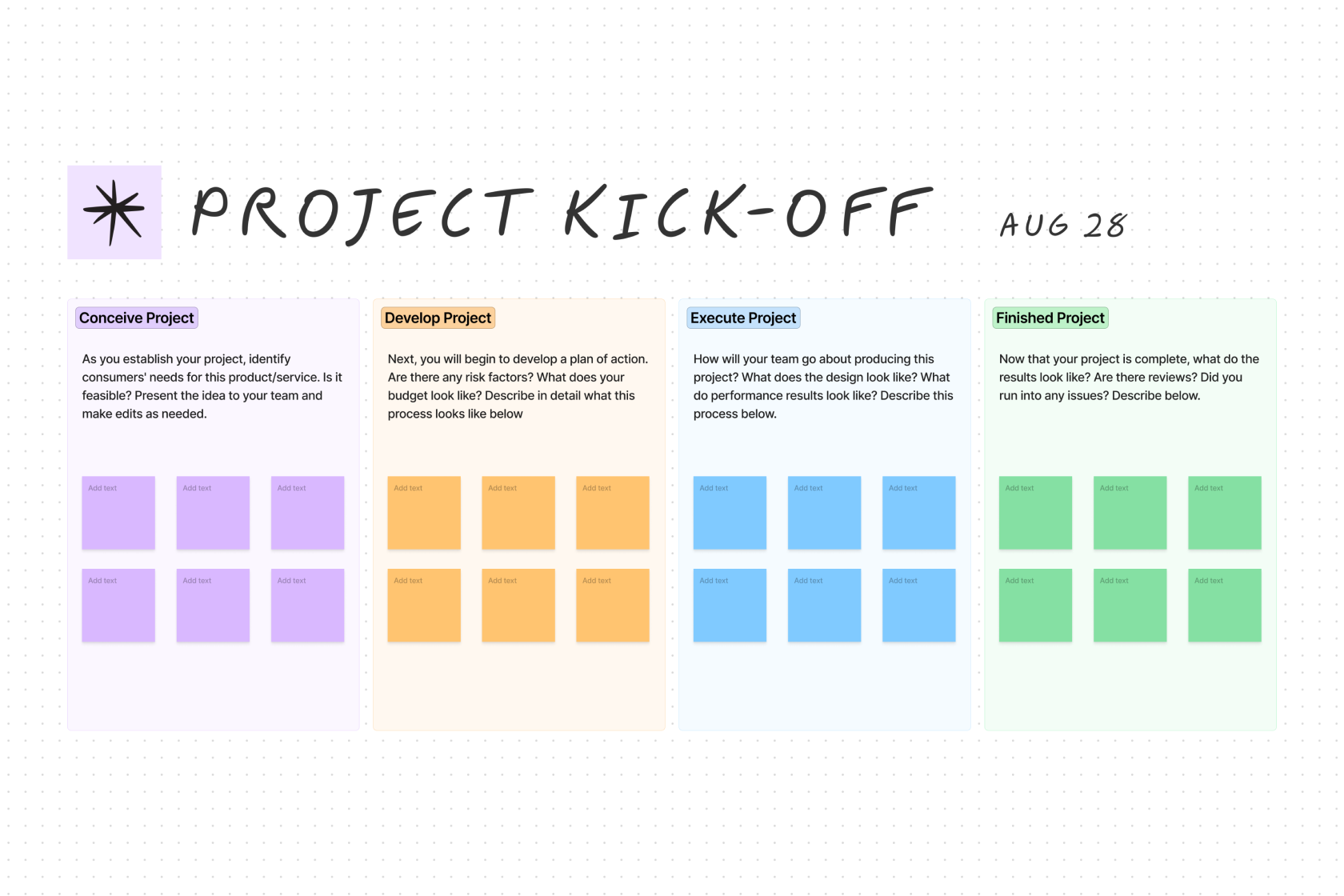
- FigJam serves as a collaborative digital whiteboard.
- Figma Slides enables co-creation of presentations.
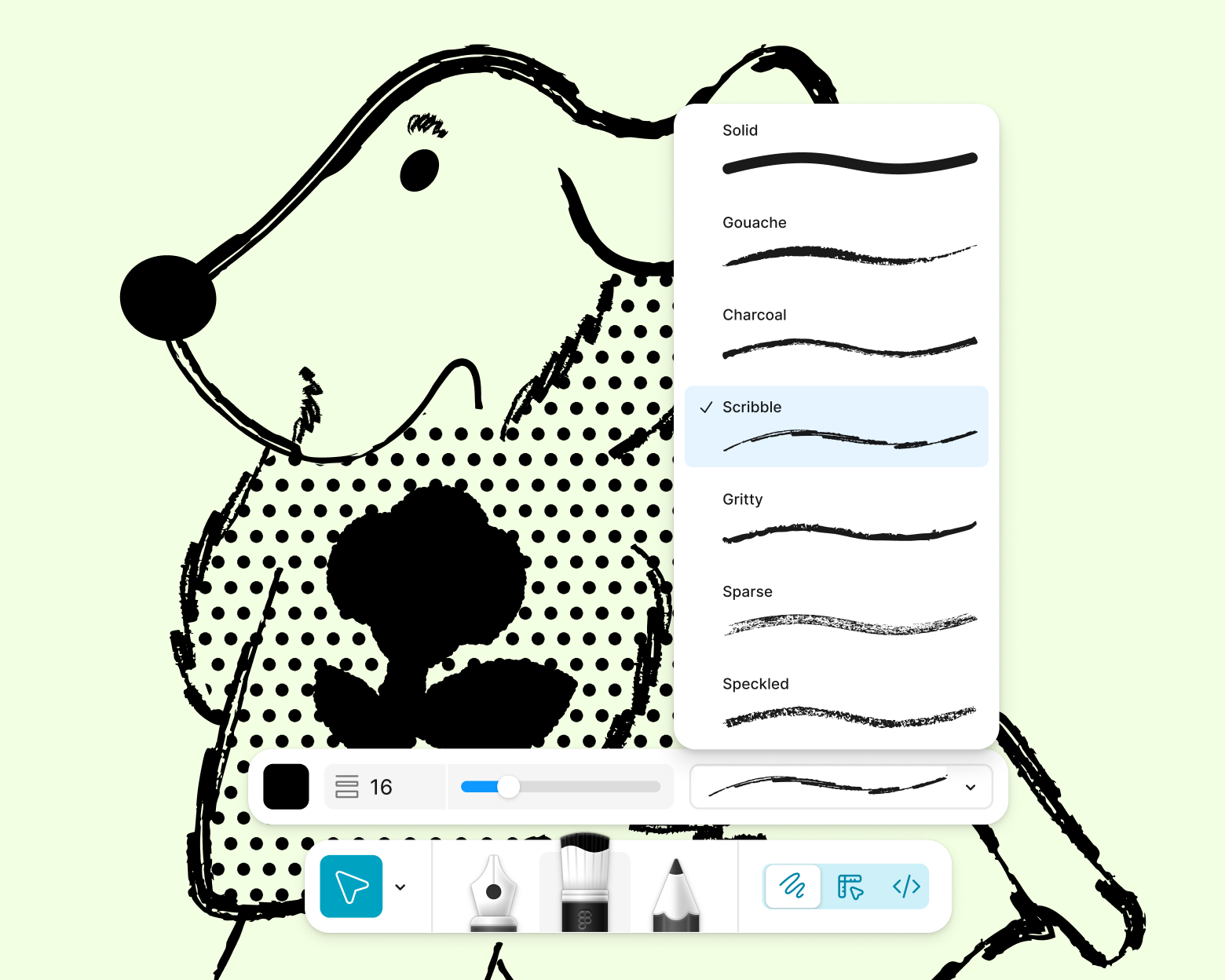
- Figma Draw (New) provides advanced vector tools for illustration.
- Figma Buzz (Beta) is for producing on-brand assets at scale.
- Figma Sites (Beta) allows publishing fully responsive websites.
- Figma Make (Beta) facilitates prompting to code anything imaginable.
- AI features are also available.
Key Capabilities & Benefits:
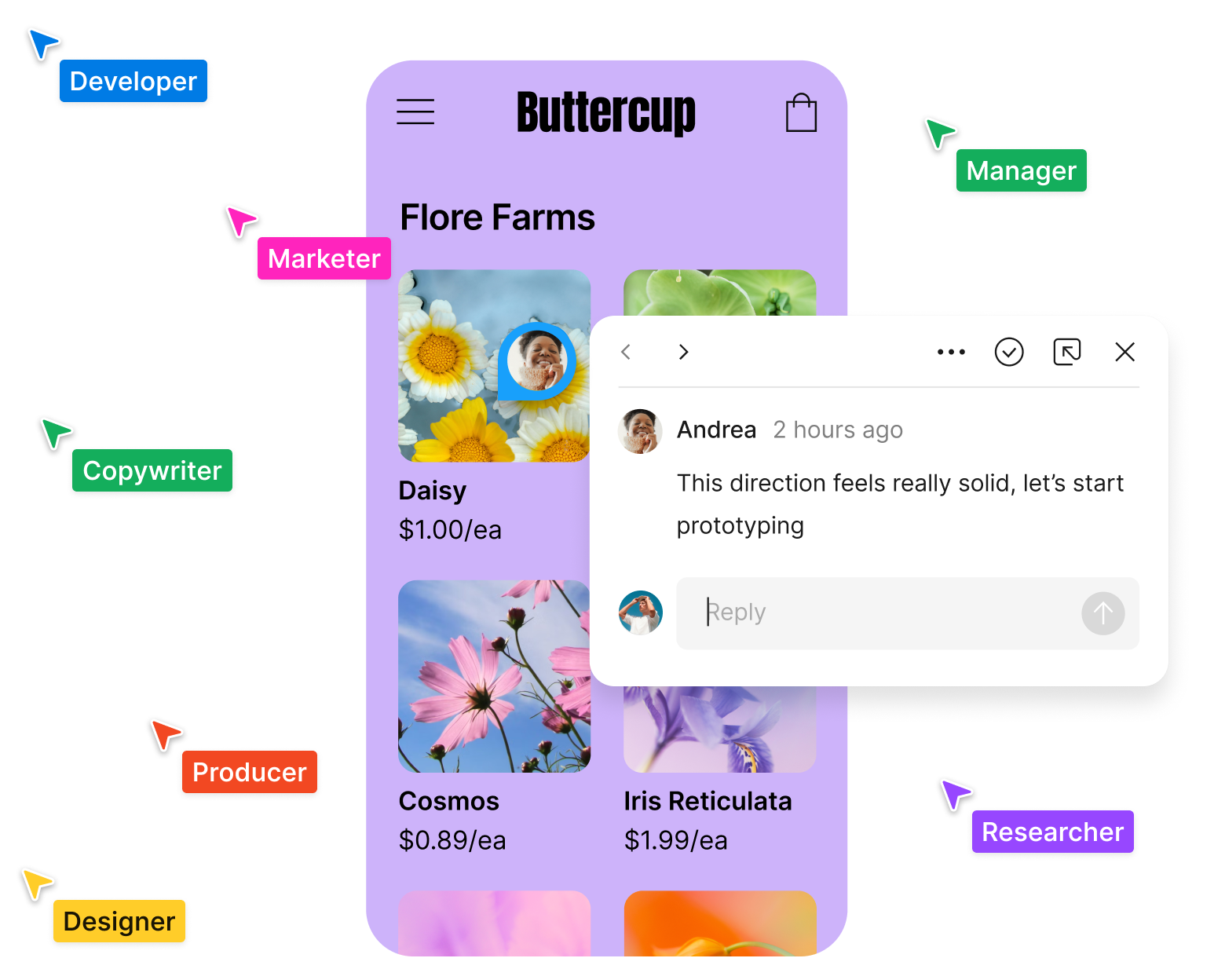
- Collaboration: Figma enables seamless collaboration in a single shared file, including designers, developers, copywriters, external contractors, and clients. Teams can communicate quickly within the file via audio, chat, or comments, helping to align everyone and create a "north star" for the company.
- Design Systems: It helps streamline the product development process by enabling design systems that are aligned across both design and code.
- Integration of Design and Dev: Figma brings design and development together with a workflow built for developers, making it easier to translate designs into code.
Use Cases: Figma supports a wide range of use cases including design systems, prototyping, UX design, web design, wireframing, online whiteboarding, team meetings, strategic planning, brainstorming, diagramming, product development, web development, design handoff, and agile methodologies.
Target Audience & Resources:
- Roles: It caters to Design, Engineering, and Product Manager roles.
- Organizations: It serves enterprises, educational institutions, and government entities.
- Learning & Support: Users can access resources such as plugins, UI kits, icons, widgets, templates, developer docs, and partner integrations. Learning resources include best practices, reports & insights, a resource library, demos, webinars, and a help center. Specific tutorials cover beginner Figma Design, an introduction to design systems, and a guide to FigJam.
- Community: Figma offers release notes, virtual events, customer stories, and local "Friends of Figma" user groups. The Figma blog provides stories on product development.
Figma offers pricing options, including getting started for free, and options to contact sales. It is available for download as desktop, mobile, and font installer apps. The interface is available in multiple languages.